Exterior real estate photo cleanup
Exterior cleanup for stronger curb appeal
Clean up outdoor clutter, improve sky and light, and make exterior listing photos feel polished while staying true to the property.
 TidyAgent
MLS-ready listing photos
TidyAgent helps agents and sellers clean up listing photos, export MLS-sized JPGs, and keep edits grounded in the real property. It does not replace your local MLS rules.
Best for agents and sellers who need cleaner listing-ready files while avoiding overdone or misleading edits.
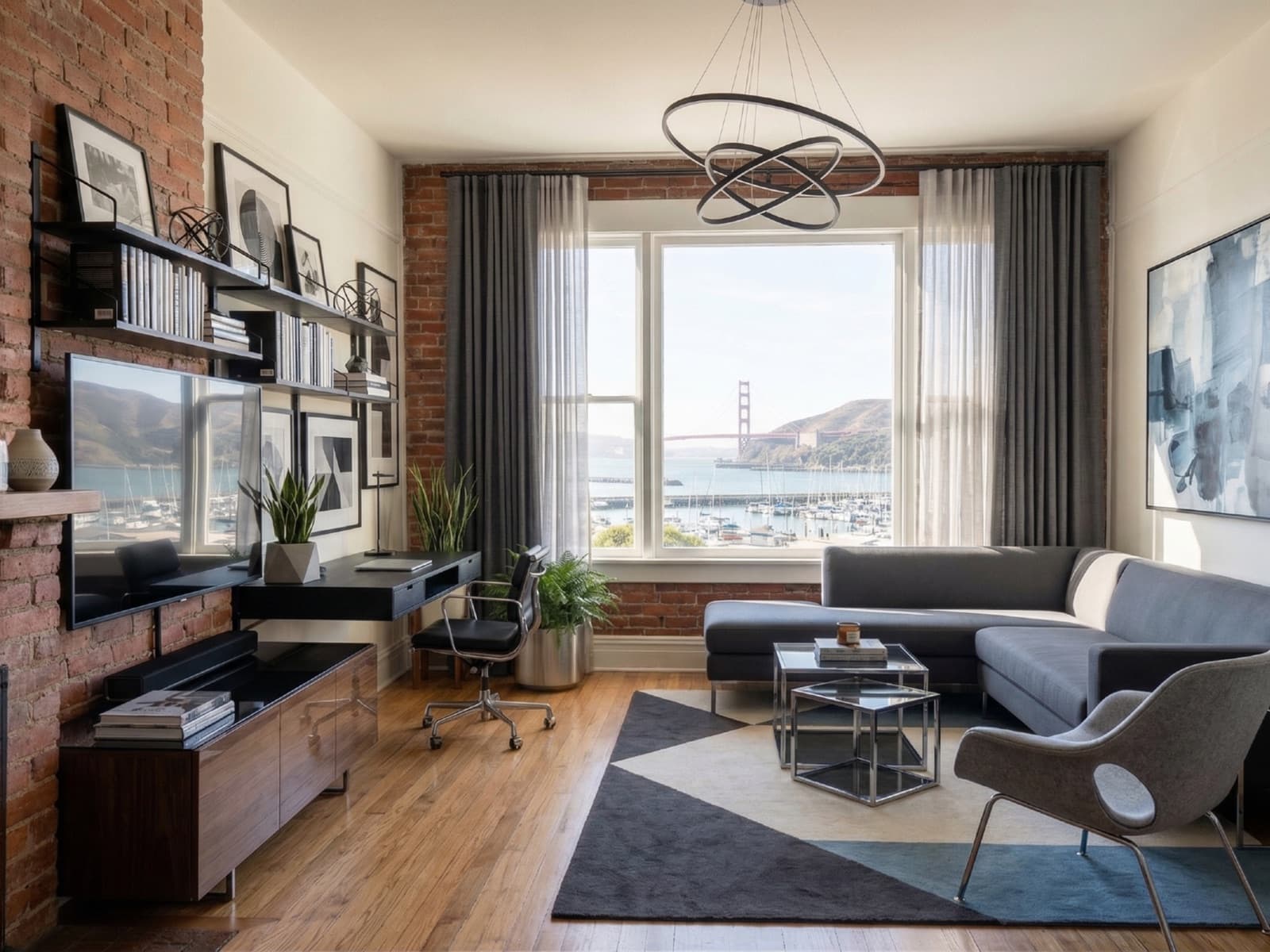
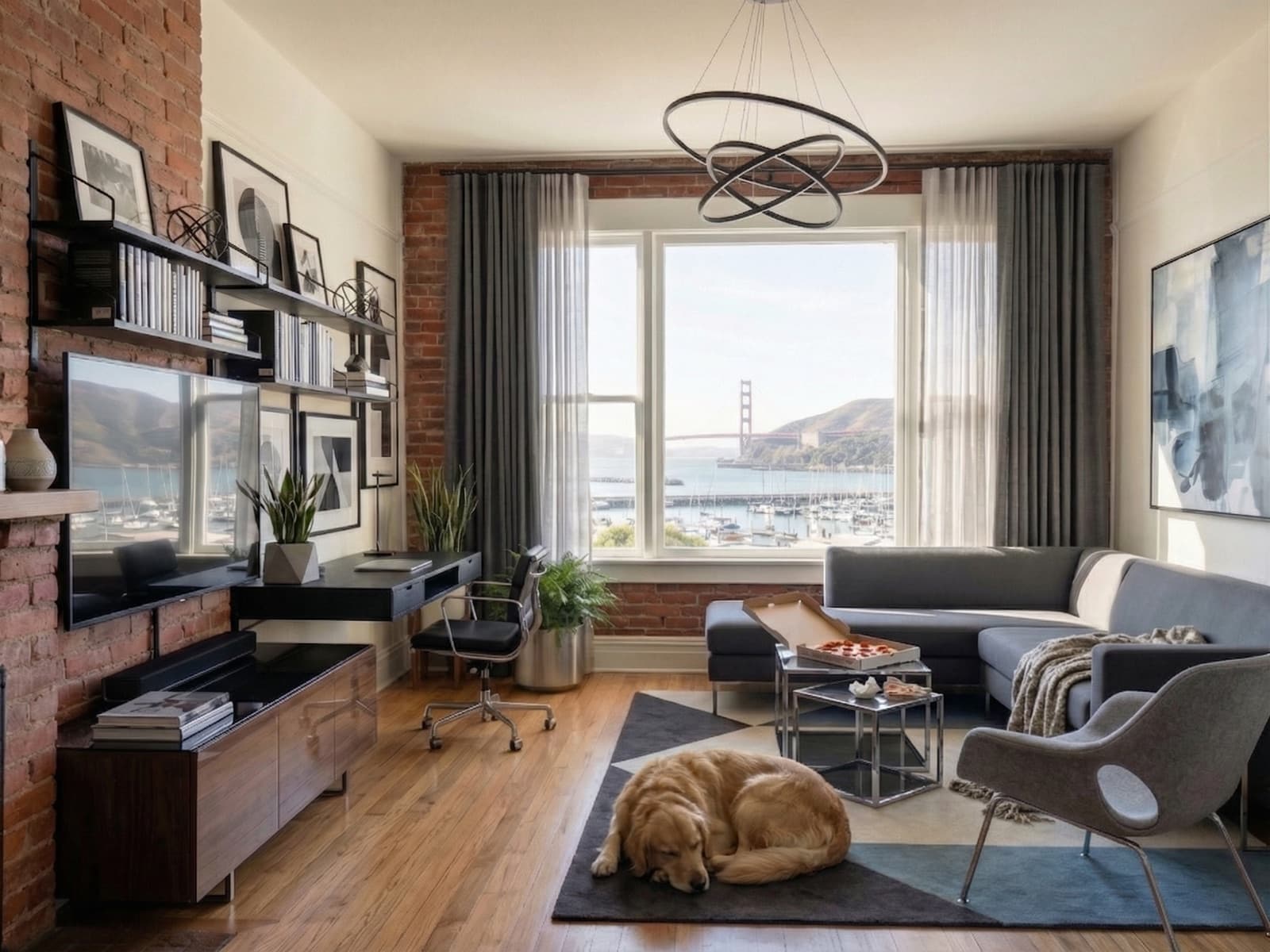
Where TidyAgent helps
TidyAgent is not a separate product for this page. It is the same listing-photo cleanup workflow focused on the situation you searched for.
Examples
Use before-and-after examples as a sanity check: the output should feel cleaner, not fictional.
Clean up outdoor clutter, improve sky and light, and make exterior listing photos feel polished while staying true to the property.
Balance interior light, improve window views, and clean up distractions so dining spaces feel bright, natural, and ready for listing.
Lift dark interiors, balance window light, and tidy bedding so bedroom listing photos feel brighter, cleaner, and more inviting.
Best fit
Responsible editing
Real estate photos carry trust. TidyAgent should improve presentation, not hide important truth about the property.
How it works
Free test
Start with the cover photo, kitchen, living room, exterior, or any image that needs cleanup before MLS or platform upload.
Enter your email to start. No password, no card for the free edits.
First 3 photo edits are free. Then $0.90/photo.Pricing
After the free test, cleanup starts at $0.90/photo with full-size downloads and listing-ready output included.
Then $0.90/photo for cleaner property photos.
Prepare 3 listing photos freePrefer shooting on iPhone?FAQ
No. MLS rules vary by local MLS, brokerage, and platform. TidyAgent prepares clean MLS-sized files and full-size downloads, but you should verify your local requirements before publishing.
TidyAgent provides MLS-sized 2048x1536 JPGs for listing upload, along with full-size files when you need more flexibility.
The intended workflow is honest cleanup: improve light, color, lines, window detail, and small distractions while keeping the property recognizable.
No. Avoid saying any edited photo is MLS-approved unless your specific MLS has accepted it. Safer language is MLS-sized, listing-ready, or prepared for MLS upload.
Avoid hiding defects, changing the property, inventing views, adding fake features, or making edits that could mislead buyers or violate your local MLS rules.
Try it on real photos