Shoot it right on the phone
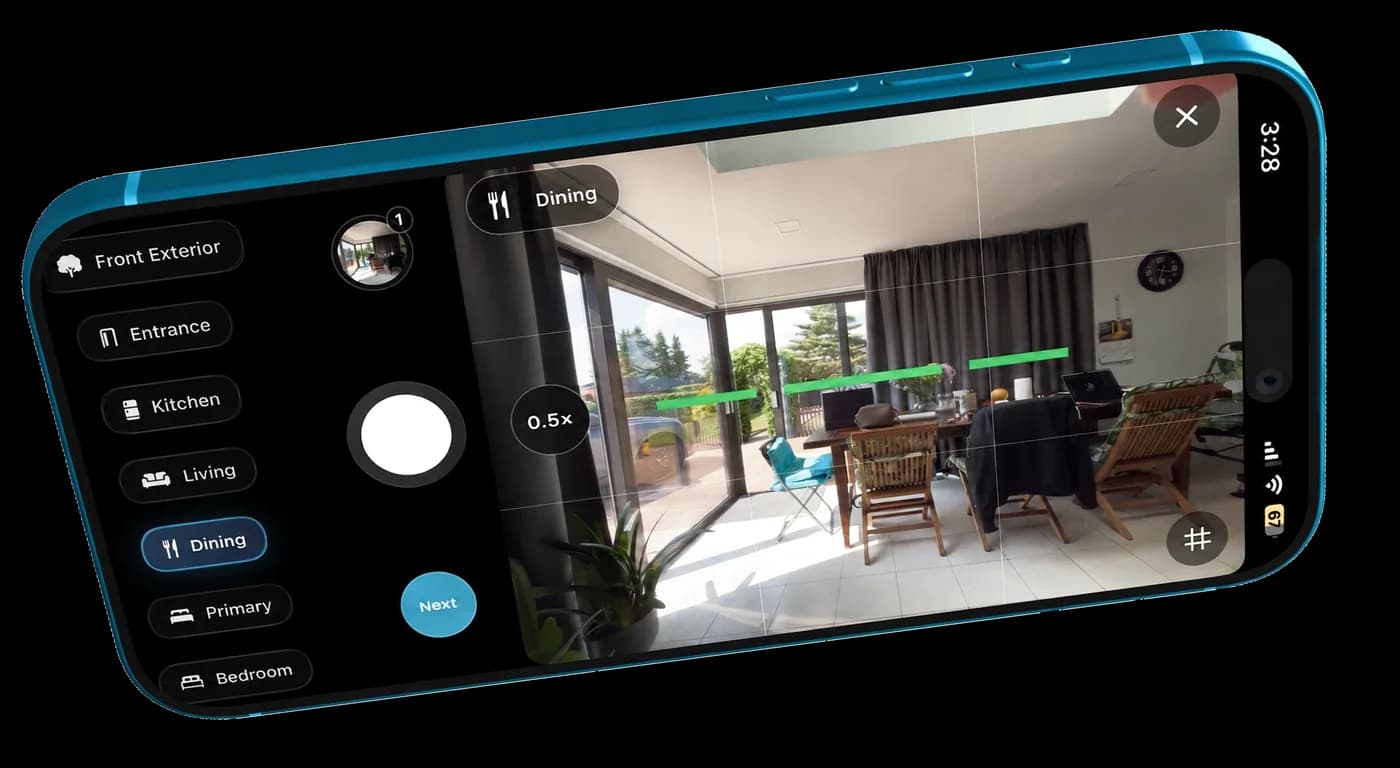
Use the guided camera to keep shots level, bracket exposures, and move through the property without a separate camera setup.
 TidyAgentGet app
Real estate photography on iPhone
Shoot with guidance, tidy the photos, and review every edit before exporting your listing.
Free to download. AI edits use in-app purchases. iOS 18 or later.

What the app does
Shoot the listing, keep every room organized, and move from capture to export without the usual camera-roll mess.
Use the guided camera to keep shots level, bracket exposures, and move through the property without a separate camera setup.
Tag kitchen, bedroom, front yard, and more while you shoot, so the full set stays easy to review and export later.
TidyAgent handles light, white balance, window detail, and distracting clutter across the whole property in one flow.
How it works
A simple iPhone workflow that keeps the listing moving from the property to the final files.
Most sets move in minutes, not the next day.
Capture level, bracketed listing photos on your iPhone and tag each room while you are still on site.
TidyAgent processes the batch as one listing set, so you are not managing photos one by one.
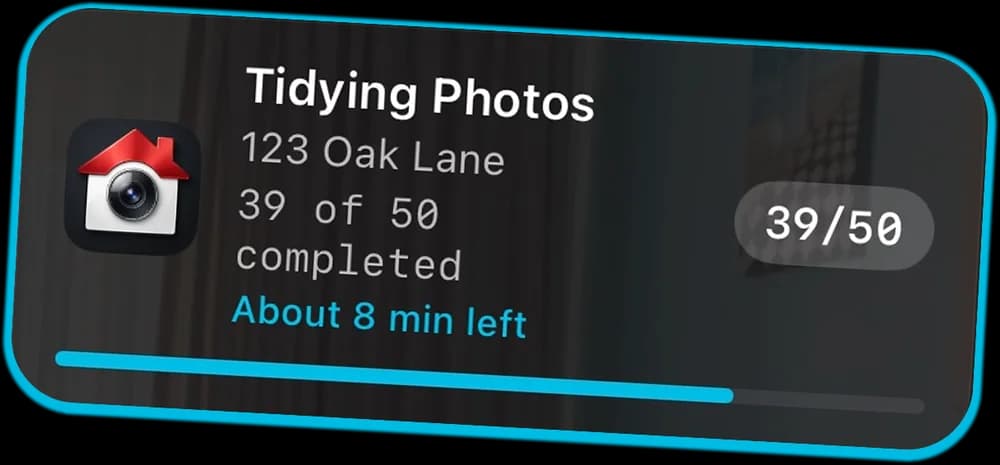
Live Activity keeps the job visible while the photos are being cleaned, decluttered, and prepared.
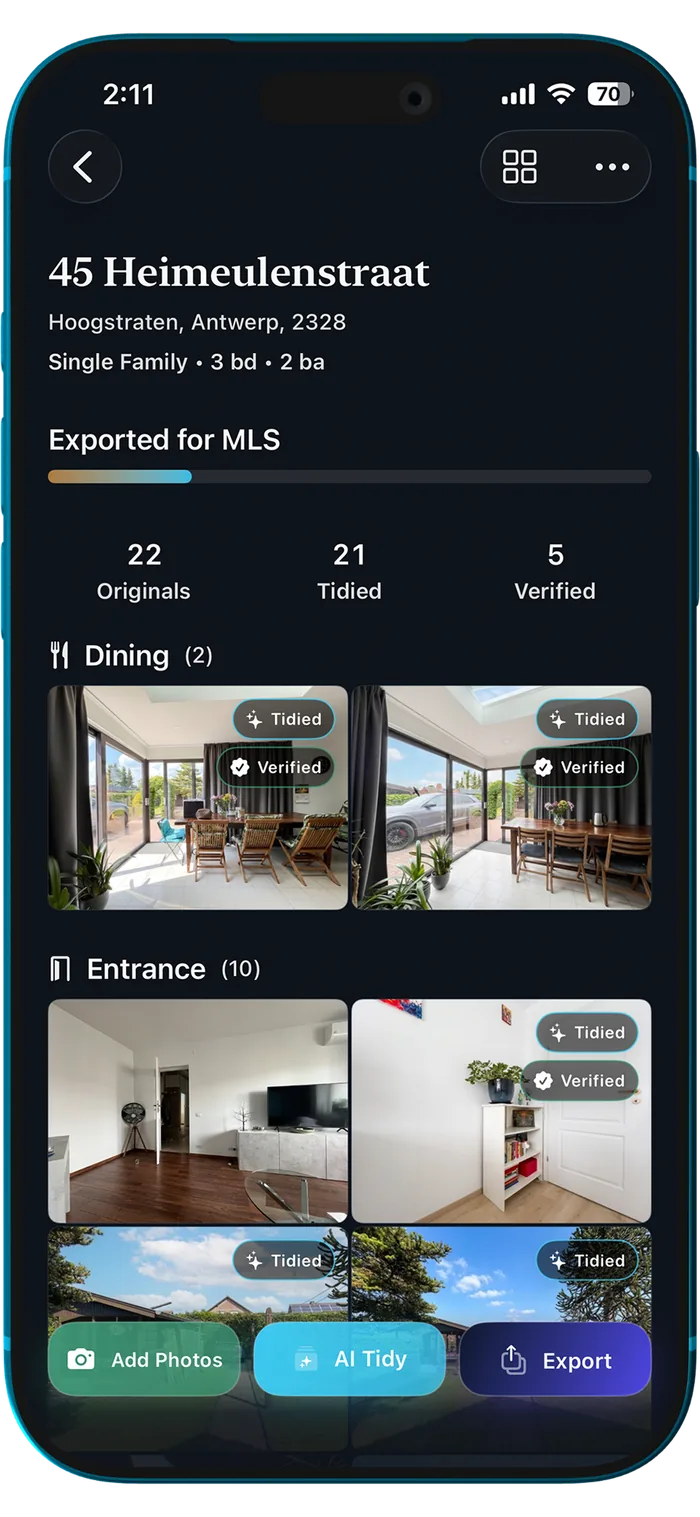
Approve the final images, then export organized MLS-ready files and full-size versions when you need them.
Results
The point is not convenience alone. It is getting to a cleaner, calmer listing set while you are still moving at property speed.
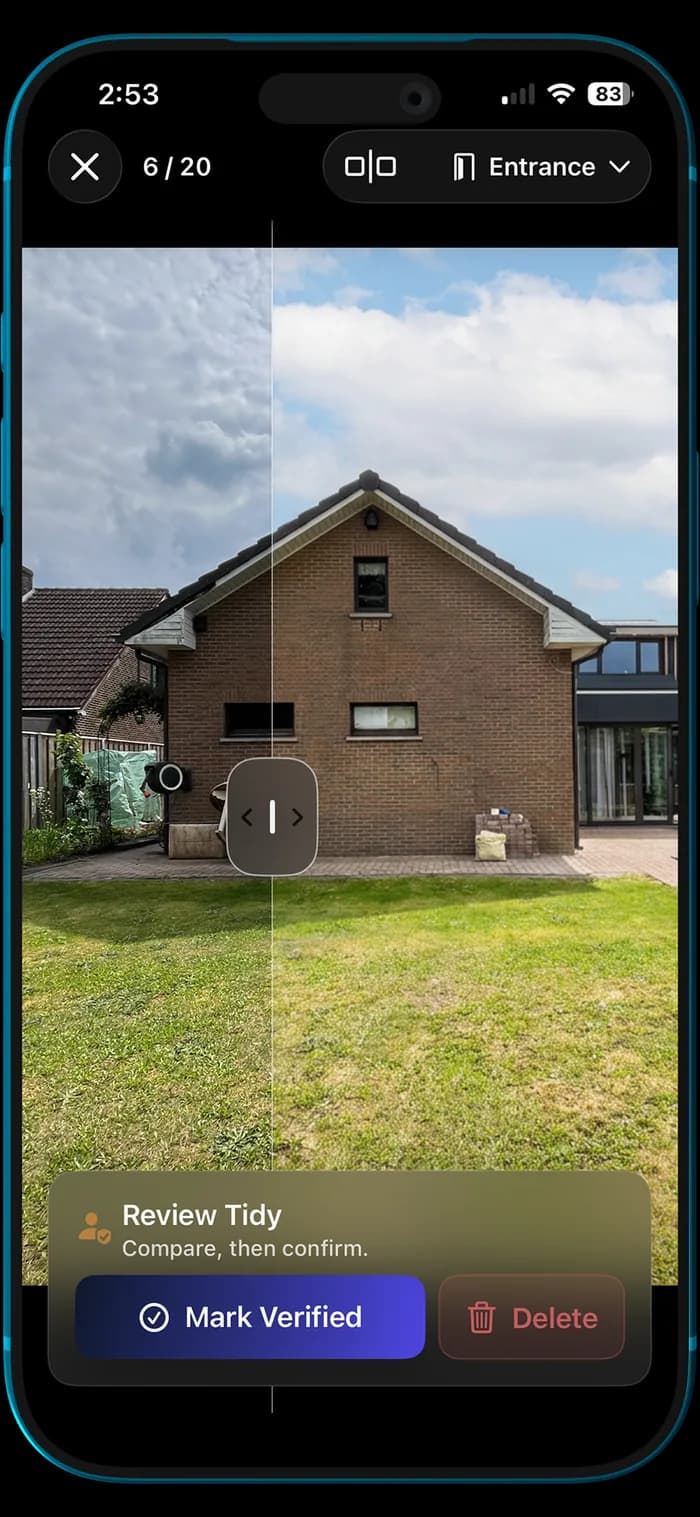
Clean up outdoor clutter, improve sky and light, and make exterior listing photos feel polished while staying true to the property.
Balance interior light, improve window views, and clean up distractions so dining spaces feel bright, natural, and ready for listing.
Lift dark interiors, balance window light, and tidy bedding so bedroom listing photos feel brighter, cleaner, and more inviting.
Improve interior light, balance window exposure, correct perspective, and clean up everyday distractions so living room photos feel brighter, natural, and ready for real estate listings.
Turn a flat front exterior into a cleaner, brighter MLS-ready listing photo with improved light, sky replacement, perspective correction, and subtle distraction cleanup.
Inside the app
Each screen has one job: help you move the listing forward, from the first shot to the final export.
Review
Compare the original against the tidy, confirm the shots you want, and keep the final set honest to the property.
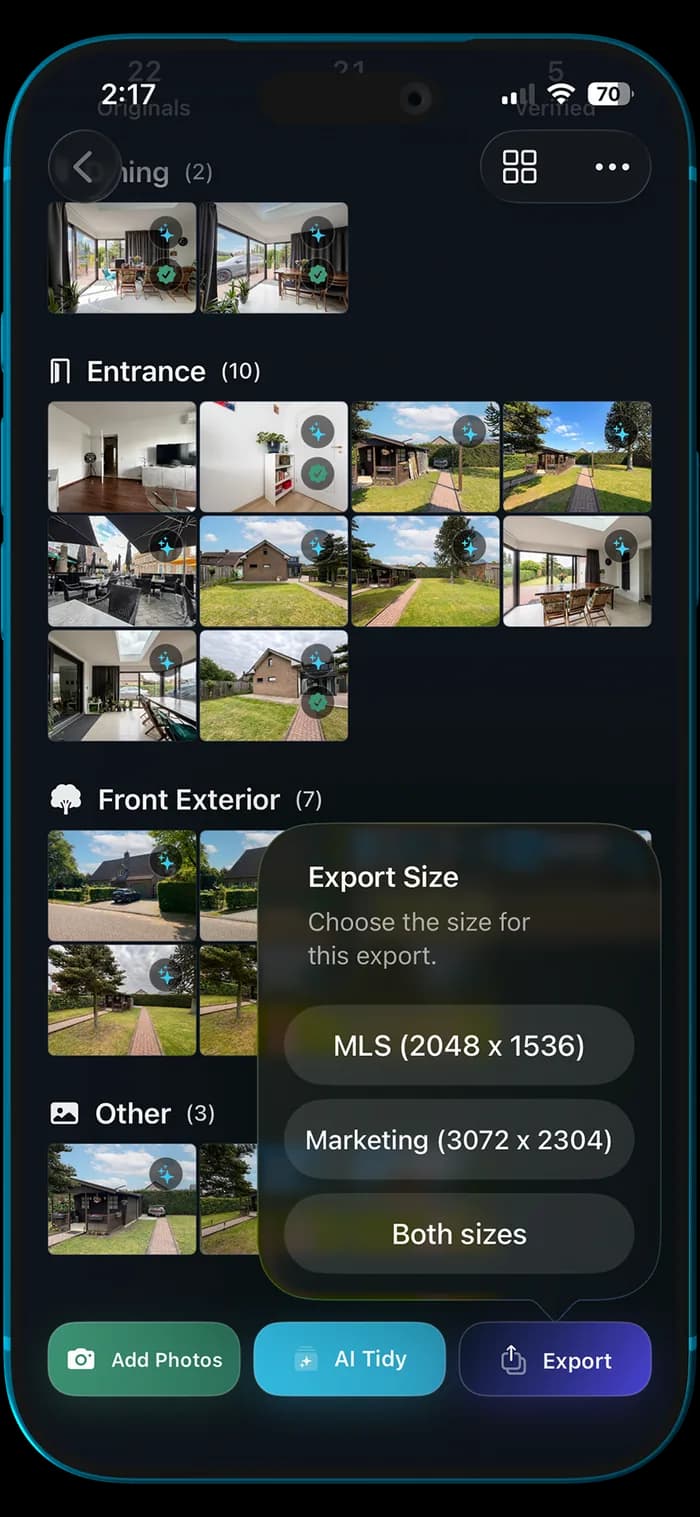
Export
Send MLS-ready 2048×1536 JPGs for listing uploads, marketing-size files for everything else, or both at once.
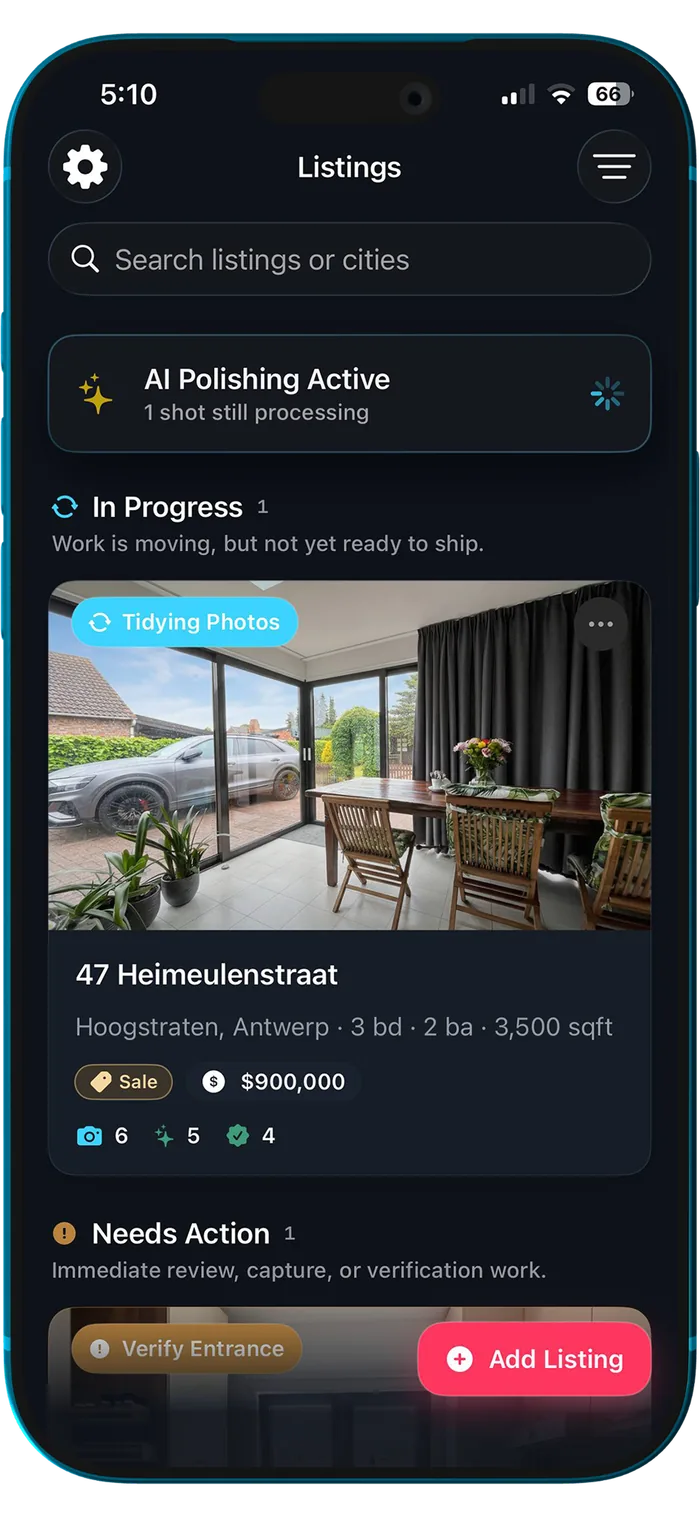
Organize
Track what is in progress, what needs attention, and what is ready to export from one clean workspace.
Solo by design
Your work stays tied to your Apple account, recoverable with iCloud, and ready when you pick the listing back up.
Why that matters
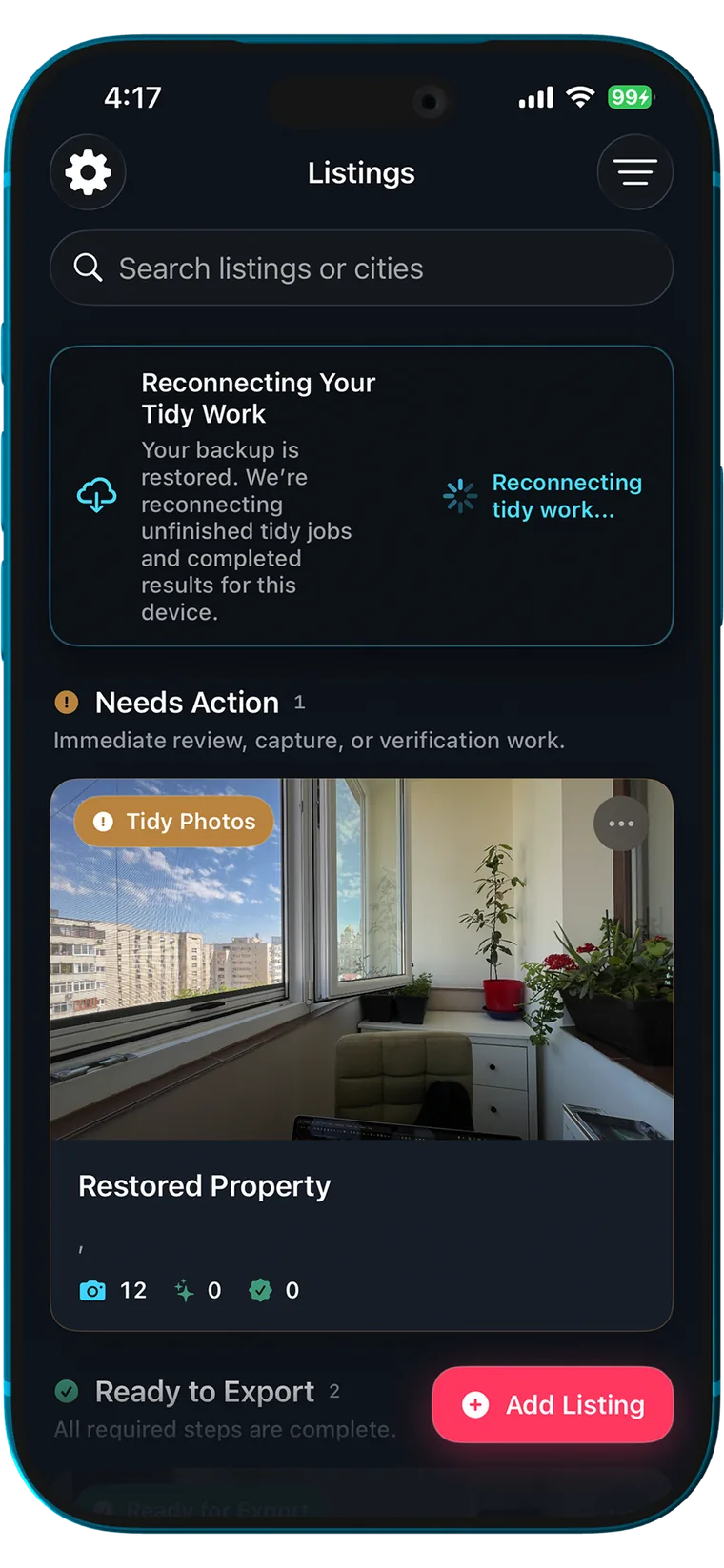
iCloud backup
When iCloud sync is on, TidyAgent can reconnect your tidy work and help you pick up where you left off on another Apple device.
Before you download
The app is free to download. AI photo edits use in-app purchases; current options and prices appear in the app. Web offers are separate.
No separate TidyAgent login is needed for the solo iPhone workflow. Enable iCloud backup to keep your work recoverable.
Compare every edit with the original before exporting. Check your listing platform’s sizing and disclosure requirements; TidyAgent does not guarantee MLS approval.
iPhone app
Shoot on site, get a clean and decluttered set back in minutes, then export the photos you need for the listing.