Exterior real estate photo cleanup
Exterior cleanup for stronger curb appeal
Clean up outdoor clutter, improve sky and light, and make exterior listing photos feel polished while staying true to the property.
 TidyAgent
Living room listing photo cleanup
Living rooms carry the feel of a listing. TidyAgent helps clean up the photo so buyers can understand the real room without fake furniture or overdone edits.
Best for main living areas, family rooms, and seller-shot interiors that need a clearer first impression.
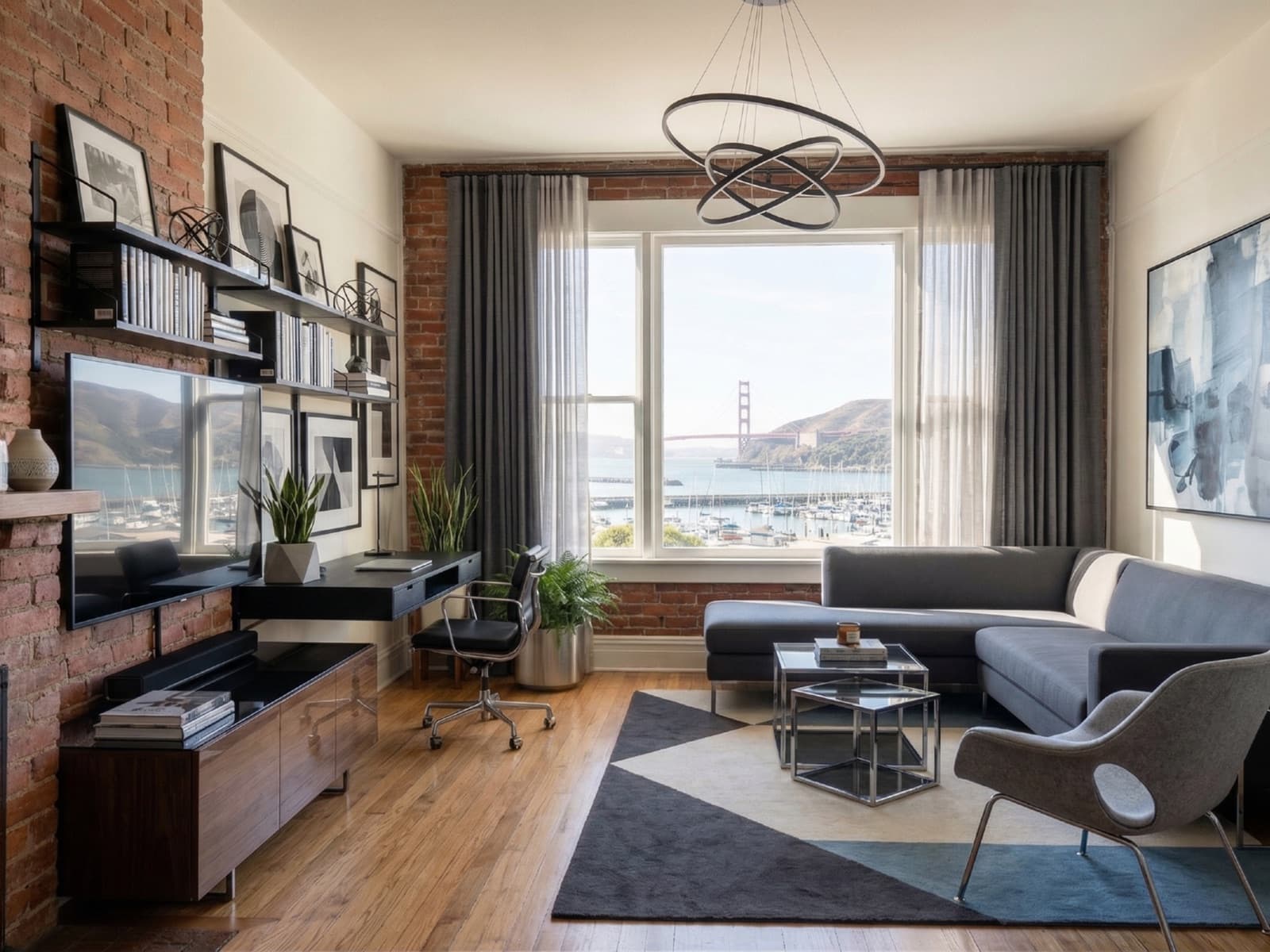
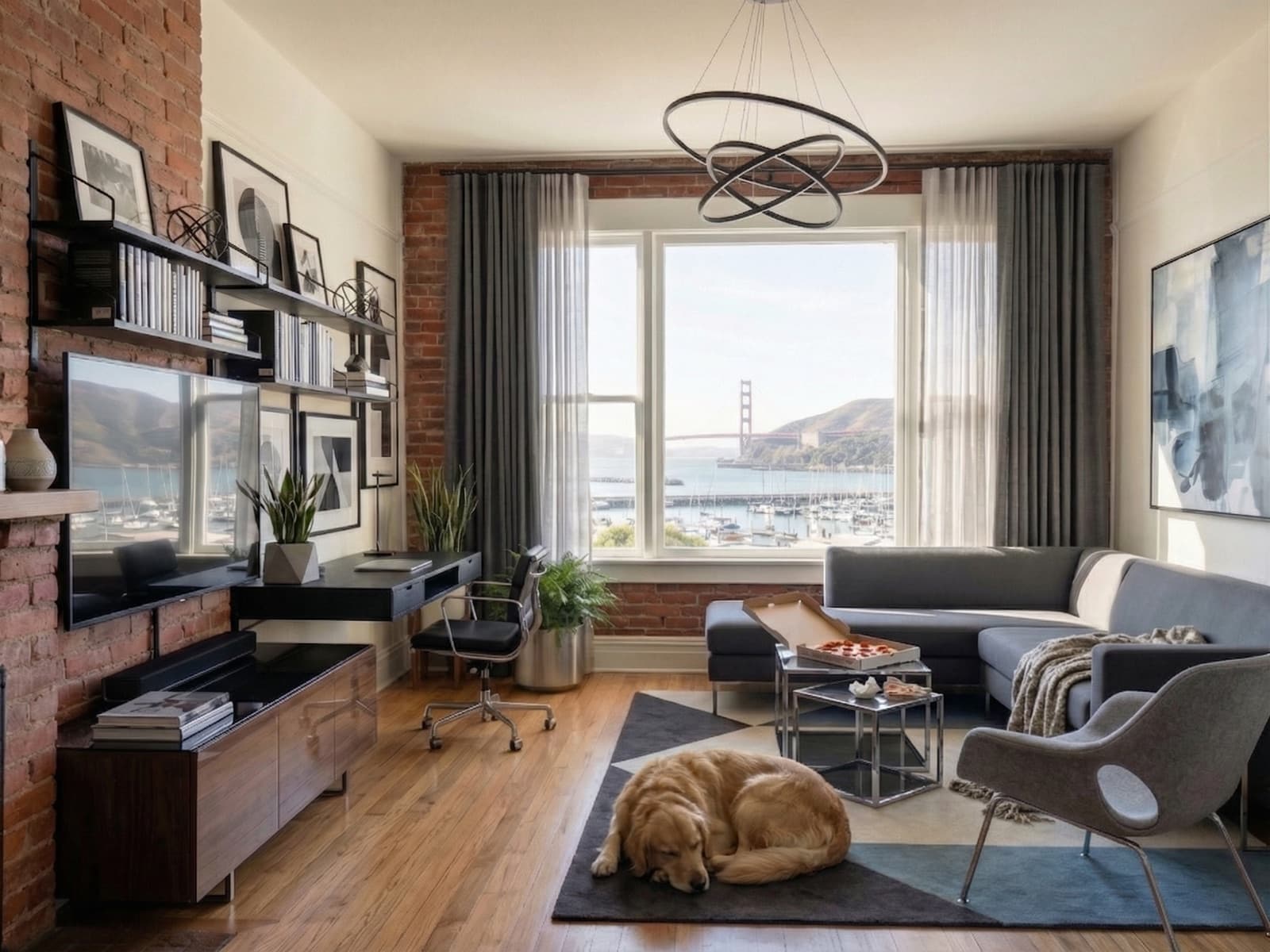
Where TidyAgent helps
TidyAgent is not a separate product for this page. It is the same listing-photo cleanup workflow focused on the situation you searched for.
Examples
Use before-and-after examples as a sanity check: the output should feel cleaner, not fictional.
Clean up outdoor clutter, improve sky and light, and make exterior listing photos feel polished while staying true to the property.
Balance interior light, improve window views, and clean up distractions so dining spaces feel bright, natural, and ready for listing.
Lift dark interiors, balance window light, and tidy bedding so bedroom listing photos feel brighter, cleaner, and more inviting.
Best fit
Responsible editing
Real estate photos carry trust. TidyAgent should improve presentation, not hide important truth about the property.
How it works
Free test
Start with the living room image that buyers are most likely to see early in the gallery.
Enter your email to start. No password, no card for the free edits.
First 3 photo edits are free. Then $0.90/photo.Pricing
After the free test, cleanup starts at $0.90/photo with full-size downloads and listing-ready output included.
Then $0.90/photo for cleaner property photos.
Clean up 3 living room photos freePrefer shooting on iPhone?FAQ
Yes. It can clean up light, color, lines, window detail, and small distractions so the same living room feels clearer online.
No. TidyAgent does not add fake furniture or redesign the living room. It improves the photo you already have.
No. TidyAgent should not change room size, layout, ceiling height, or the relationship between furniture and the room.
Reshoot if the living room is blurry, blocked, shot from a misleading angle, or missing the main part of the room.
Try it on real photos