Exterior real estate photo cleanup
Exterior cleanup for stronger curb appeal
Clean up outdoor clutter, improve sky and light, and make exterior listing photos feel polished while staying true to the property.
 TidyAgent
Bathroom listing photo enhancement
Bathrooms are easy to photograph badly: tight angles, yellow light, mirrors, and tile lines all compete for attention. TidyAgent helps make the same bathroom easier to understand.
Best for bathroom photos that need clearer light and calmer presentation, not hidden defects.
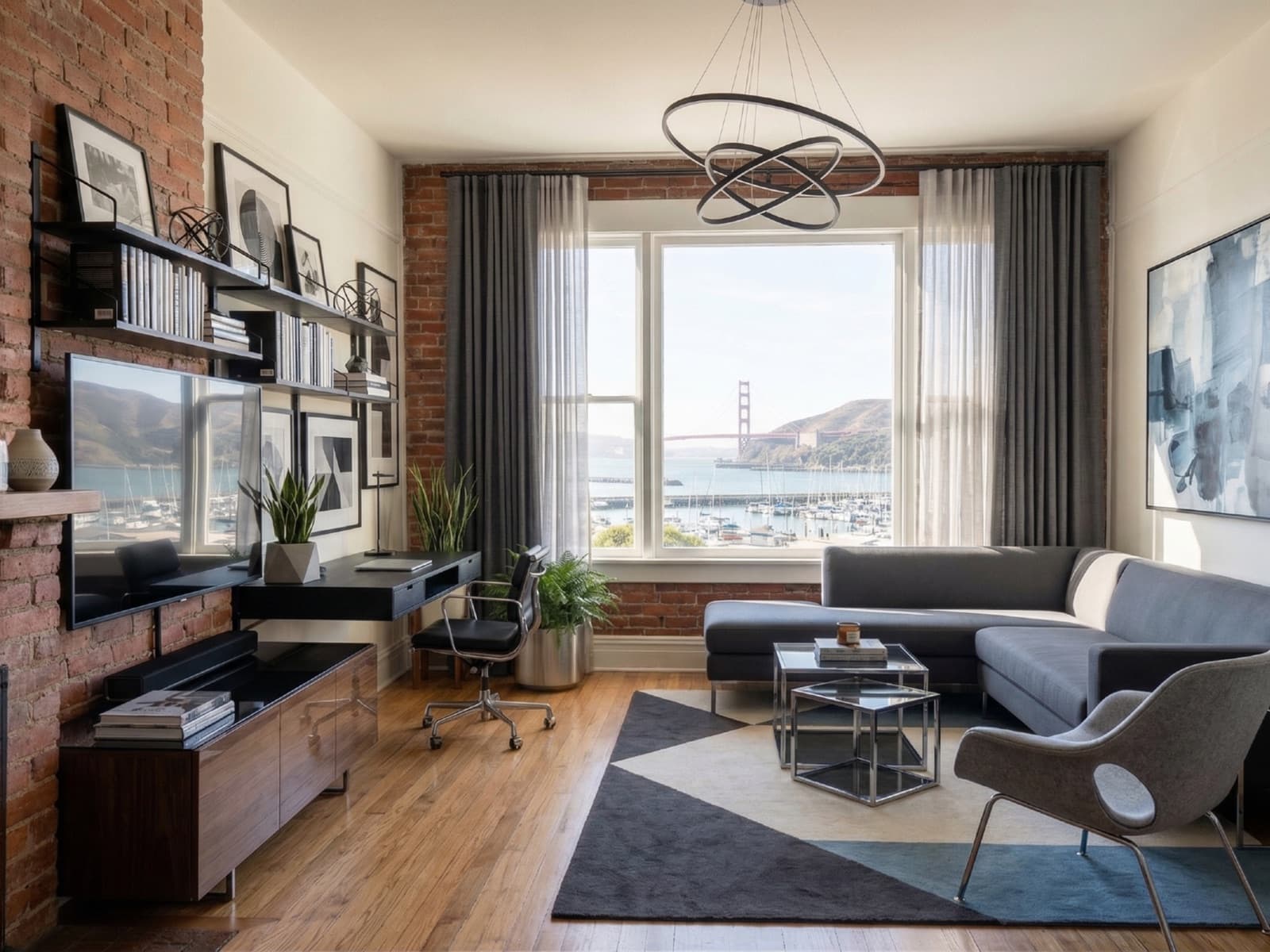
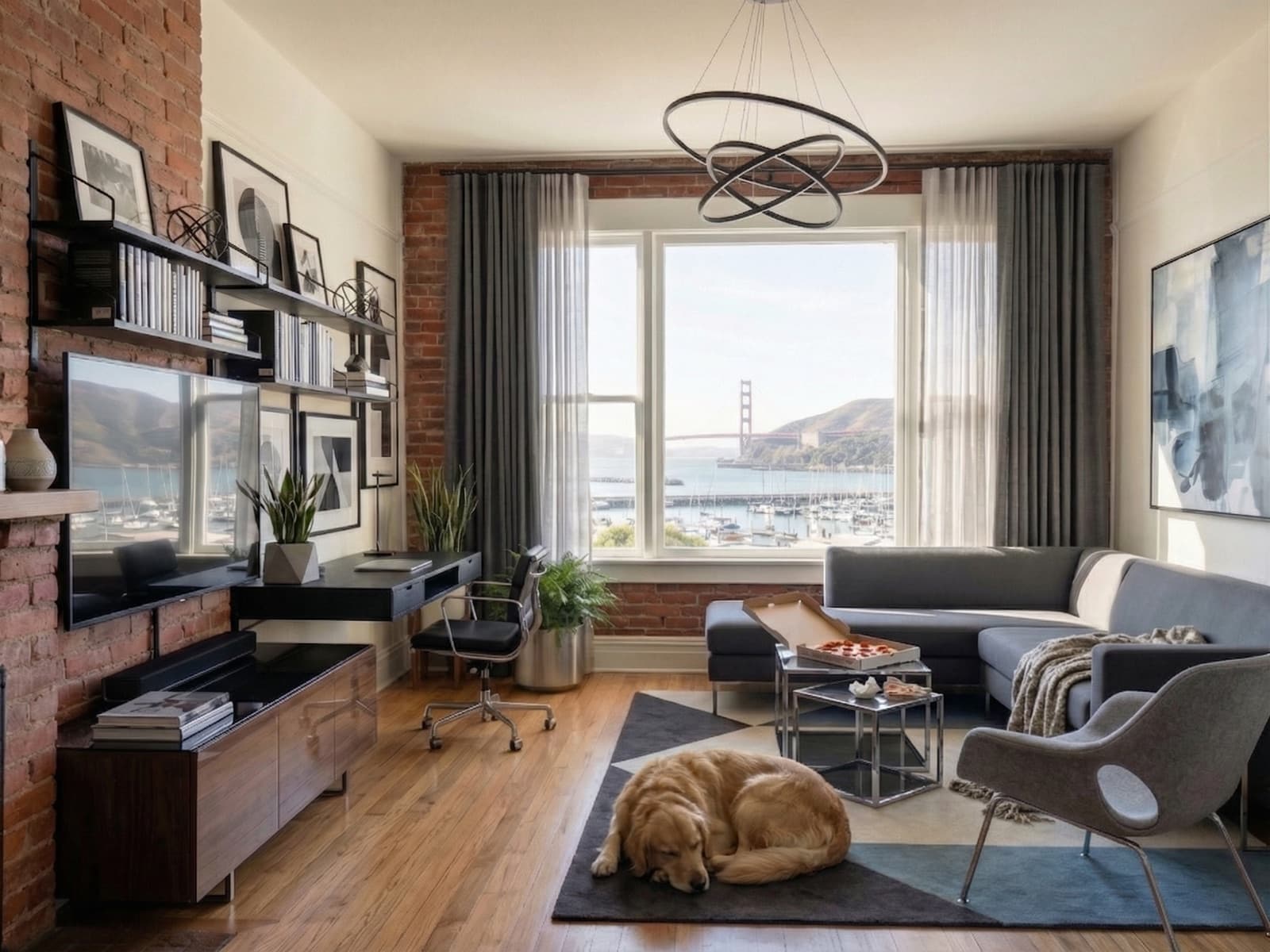
Where TidyAgent helps
TidyAgent is not a separate product for this page. It is the same listing-photo cleanup workflow focused on the situation you searched for.
Examples
Use before-and-after examples as a sanity check: the output should feel cleaner, not fictional.
Clean up outdoor clutter, improve sky and light, and make exterior listing photos feel polished while staying true to the property.
Balance interior light, improve window views, and clean up distractions so dining spaces feel bright, natural, and ready for listing.
Lift dark interiors, balance window light, and tidy bedding so bedroom listing photos feel brighter, cleaner, and more inviting.
Best fit
Responsible editing
Real estate photos carry trust. TidyAgent should improve presentation, not hide important truth about the property.
How it works
Free test
Start with the bathroom photo that looks darkest, most yellow, or least like the room feels in person.
Enter your email to start. No password, no card for the free edits.
First 3 photo edits are free. Then $0.90/photo.Pricing
After the free test, cleanup starts at $0.90/photo with full-size downloads and listing-ready output included.
Then $0.90/photo for cleaner property photos.
Enhance 3 bathroom photos freePrefer shooting on iPhone?FAQ
Yes. TidyAgent can improve bathroom lighting, color, lines, and small distractions while keeping the real condition of the bathroom intact.
No. Do not use TidyAgent to hide material defects, water damage, mold, cracked tile, or anything a buyer should see clearly.
It can help with some exposure and detail problems, but severe glare, reflections, or missing detail may require a reshoot.
Edit the photos that are usable but too dark, yellow, crooked, or distracting. Remove duplicates that do not help buyers understand the listing.
Try it on real photos